MapEditor Guide Andrej Štetka | translated by: Kajlin & Colxfile | 27.02.2008
This is an easy guide for the Map Editor with which you can add different objects into SA.
I am going to clearly show you, how to add a tree into the game.
Using these steps, you can also add other models in the same way.
But before adding any modification, backup all the original files!
I am going to clearly show you, how to add a tree into the game.
Using these steps, you can also add other models in the same way.
But before adding any modification, backup all the original files!
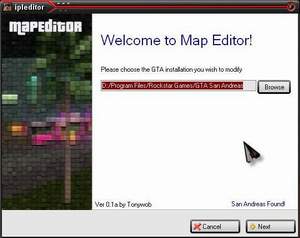
1: Open the program, and enter the path to GTA:SA
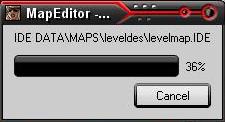
2: The loading screen will appear
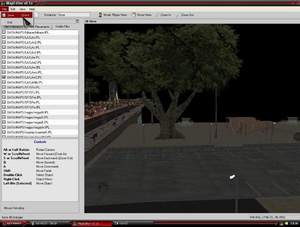
3: Running editor looks like this:
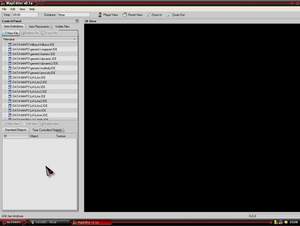
4: Choose the last column, where the parts of SA are split up, and choose the part you want. In my case it is LAw2
=>Verona Beach.

5: Find the place, where you want the new object (for example: the tree)
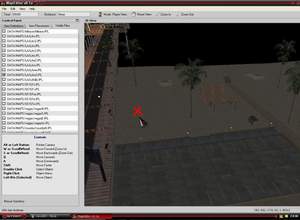
6: Mark the part, which you are modifying, in the top columns (it doesn’t have to be the exact spot, just pick up something)
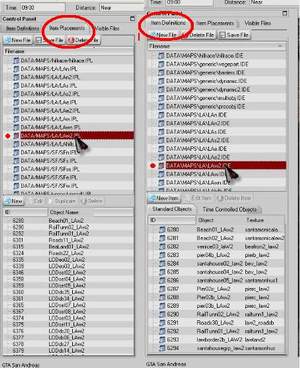
7: Click the Right Mouse Button and choose the NEW button.
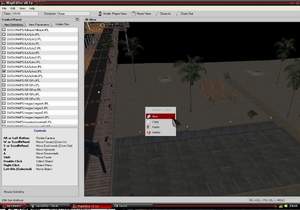
8: Choose "vegepart.ide" option.
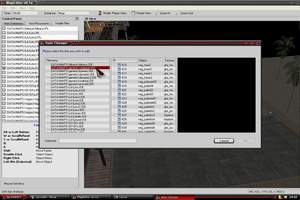
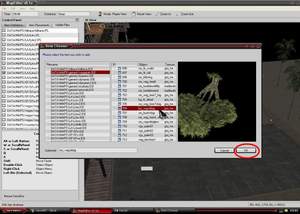
9: Choose the tree you want and press OK
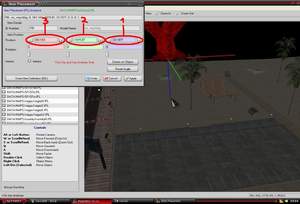
10: The position setting will appear. 1 is an angle, 2 rotation, 3 height. Place the object where you want to have it, with the mouse and set its height.
11: When you click the definition, the details about the object will turn up - *.dff and *.txd files of any house in SA (but it, unfortunately, doesn’t show 100% land of SA) press OK
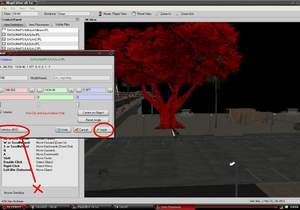
12: Now press the SAVE button
13: …and let’s look at you work in the game!